Hello Kitty Red Bow Sticker Banner
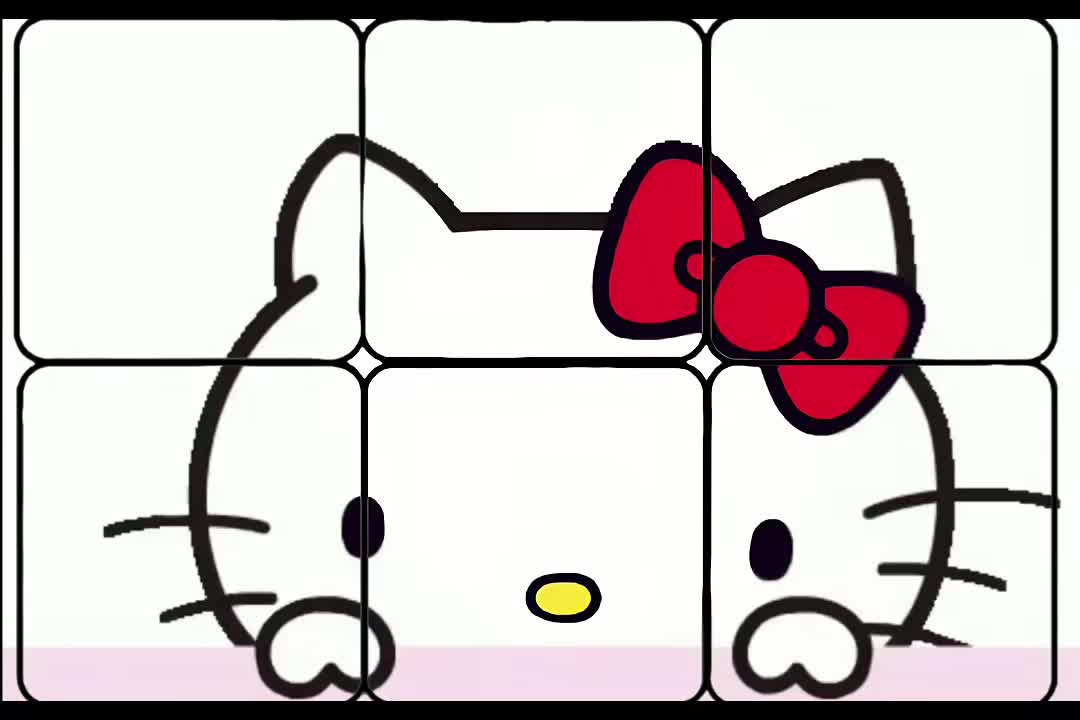
A Hello Kitty TikTok sticker banner with a bright red bow and a playful peekaboo animation. The six-piece grid keeps the original rounded frames; use the matching covers to keep the still preview aligned.
- 3 columns × 2 rows
- 360 × 360 px per piece
- 6 matching covers
Download 6 MP4 clips. Post the clips yourself. No separate repost links.
Post the videos in this order
Start with 1 at the bottom right, follow the numbered order and finish at the top left.
0 of 6 completed
- 1st postbottom-right
- 2nd postbottom-middle
- 3rd postbottom-left
- 4th posttop-right
- 5th posttop-middle
- 6th posttop-left
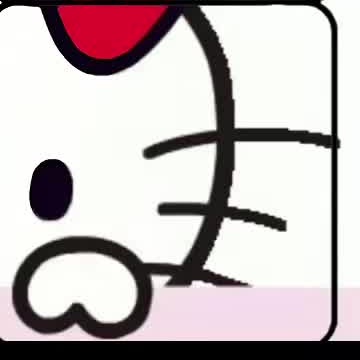
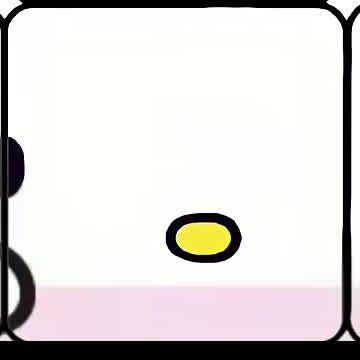
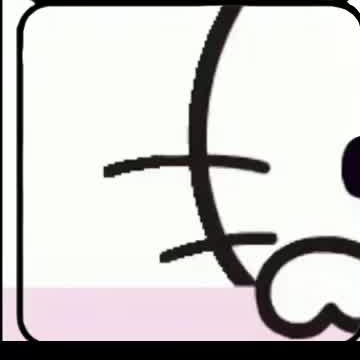
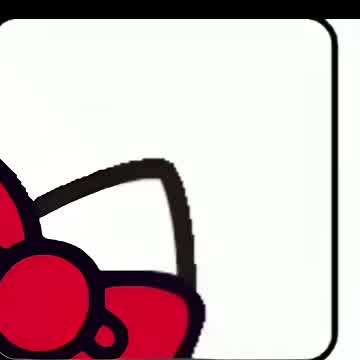
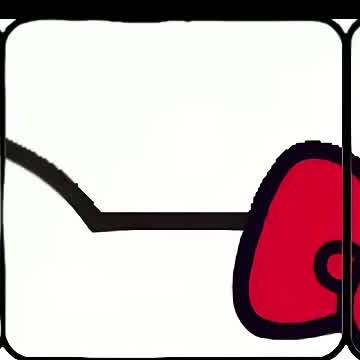
Publish one file per post, starting with 1. Tap Share and choose TikTok in your phone’s share sheet to send this file without finding it in Downloads. If TikTok is missing, try More in the share sheet, or save the file and select it in TikTok. Opening TikTok does not attach the file or publish it. For photos, use the TikTok app. Tick each item after you finish.
The clips share the same timing. Use the matching cover for each numbered video and keep the original framing when posting. Check the complete grid on your profile; TikTok's crop and playback can vary by account.
Repost the original animation
The creator published one full animation. Reposting it adds one video to your Reposts tab. Download the 6 clips on this page to post the banner yourself.
These clips are crops of that one video. Separate TikTok posts for each clip have not been verified.
About this banner
- 3 columns × 2 rows
- 6 MP4 clips
- 360 × 360 px per piece
- 6 matching covers
- No separate repost links
The animation keeps the creator's original frame lines. All pieces share the source timeline.
Keep the red bow and the original rounded frames in view when selecting a cover. The six crops come from one source animation; reposting that original adds one video, not the complete six-piece grid.
Using these clips as video stickers
Save the clips, then create video stickers from eligible posts in TikTok. The numbered files show posting order; check the order in your Stickers tab separately. Read the TikTok sticker banner guide for permissions and setup.
Source and credit
By @nxizee_. Adapted from the original TikTok animation. The pieces are crops of that source video.
The clips play together here so you can see how they fit. TikTok controls cropping and playback in its own app. Added November 5, 2026. Page updated November 9, 2026.
More Hello Kitty & Sanrio banners
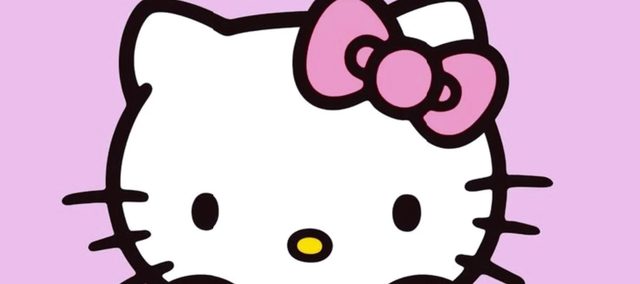
More Hello Kitty, in a pink-and-lilac three-post design.
Hello Kitty joins Cinnamoroll and Kuromi in a nine-piece animation.
Another Sanrio animation with the same six-piece layout.