Y2K & retro TikTok banners
A little pixel glow, a little millennium nostalgia. Explore Y2K repost banners and ideas for a profile full of stars, butterflies and shiny pink-and-blue details.
Y2K & retro picks
Preview the connected picture, then open the original TikTok posts and follow the numbered repost order.

Build your millennium mood
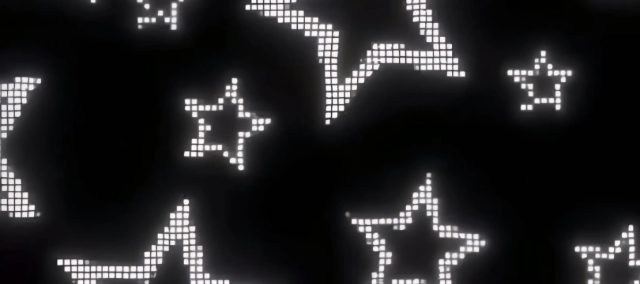
Pixel stars & soft glow
Put a bright pixel star against a dark backdrop and let its glow stretch into the neighboring tiles. A simple three-piece banner keeps the shape easy to recognize.
Chrome letters & butterflies
Try one short word in shiny chrome lettering, framed by butterflies or tiny sparkles. Keep each letter clear of the grid cuts and check how it reads at profile size.
Millennium pink & blue
Blend candy pink with icy blue for a softer retro look. Use six or nine tiles when your own artwork has layered butterflies, stickers or a larger composition.
Before you post
What makes a TikTok banner Y2K?
Y2K styling draws on turn-of-the-millennium graphics: chrome lettering, pixel stars, butterflies, glossy details and pink or icy-blue palettes. Choose a few of those motifs so the grid stays readable.
Can I split my own retro design into a TikTok grid?
Yes. Upload your image to the free splitter, choose 3, 6 or 9 tiles and preview the cuts. Download the numbered pieces and post them in the shown order.
Using an existing banner? Follow its numbered TikTok links. For your own image, read the posting and pinning guide.
Make your own banner
Turn your favorite image into a 3-, 6- or 9-tile profile grid.