GTA 6 and Vice City TikTok banners
Pink skies, teal water and palm-lined roads set the mood for a Vice City profile. Start with the sunset wallpaper or bring the neon boulevard to life across six square videos.
Vice City banner downloads
Save the full sunset wallpaper or its three numbered photo tiles. Neon Boulevard comes with six numbered MP4s and matching covers.
Build a Vice City profile look
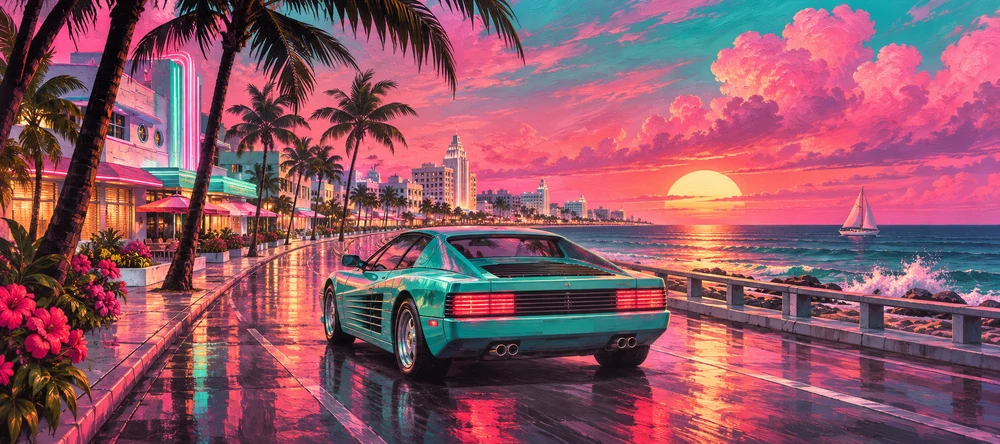
Pink and teal at sunset
The coastal highway joins warm pink clouds, dark palms and a teal coupe. Keep the original panorama for a wide wallpaper or use all three pieces for a profile row.
Neon after rain
A low red coupe and cyan hotel lights carry across the six-square grid. Use the matching covers so the street and reflections align while the clips are paused.
Match your banner and PFP
Crop a square around the teal coupe or the sunset for a profile picture. Leave space around the focal point so it stays recognizable inside a circular avatar.
Before you post
Can I use the GTA 6 banner as a wallpaper?
Yes. On Palm Sunset, open Download wallpaper to save the full landscape. Download the numbered photo tiles if you want to post the same artwork as a TikTok row.
How do I post the six Vice City videos?
Start with the bottom right and follow the numbered files through the top left. Use the matching cover for each clip and check the whole grid on your profile.
Who made the artwork?
RepostGrid created these unofficial, AI-assisted illustrations inspired by Vice City and Miami’s coastal architecture.
For a repost design, follow its numbered TikTok links. For your own image, read the posting and pinning guide.
Make your own banner
Turn your favorite image into a 3-, 6- or 9-tile profile grid.