Minecraft TikTok banners
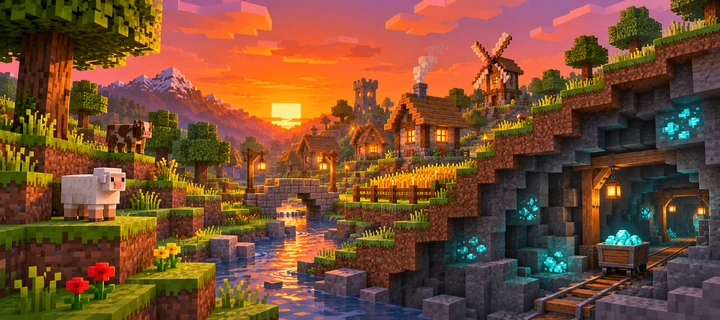
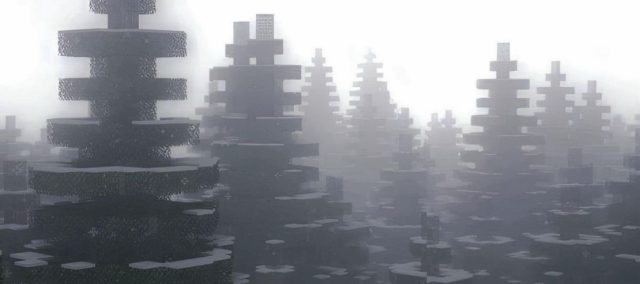
Visit a lantern-lit cherry grove, floating towers in the End and a glowing diamond mine. Choose an animated grid, a still panorama or a snowy pine repost row.
Minecraft banner picks
Choose 3, 6 or 9 numbered MP4 clips with matching covers, a three-image row or the original Winter Pines reposts.
Frame your Minecraft banner
Block terrain
Let a river, path or ridgeline cross the tile edges so the landscape reads as one scene.
Sunset village
Keep the main house or bridge near the center of a tile. Warm windows help it stand out against the hills at profile size.
Diamond mine
Set bright cyan ore against dark stone and keep the strongest cluster clear of the tile cuts.
Before you post
How do I use the three Minecraft image tiles?
Download the numbered images, then post and pin them in order: right, center, left. For Winter Pines, repost its three original TikTok posts in the same order.
Can I make a banner from my own Minecraft build?
Yes. Take a wide screenshot of your build, load it into the TikTok Banner Maker and choose three tiles. Preview the cuts before you download.
Make a TikTok banner from your Minecraft screenshot
For a repost design, follow its numbered TikTok links. For your own image, read the posting and pinning guide.
Make your own banner
Turn your favorite image into a 3-, 6- or 9-tile profile grid.